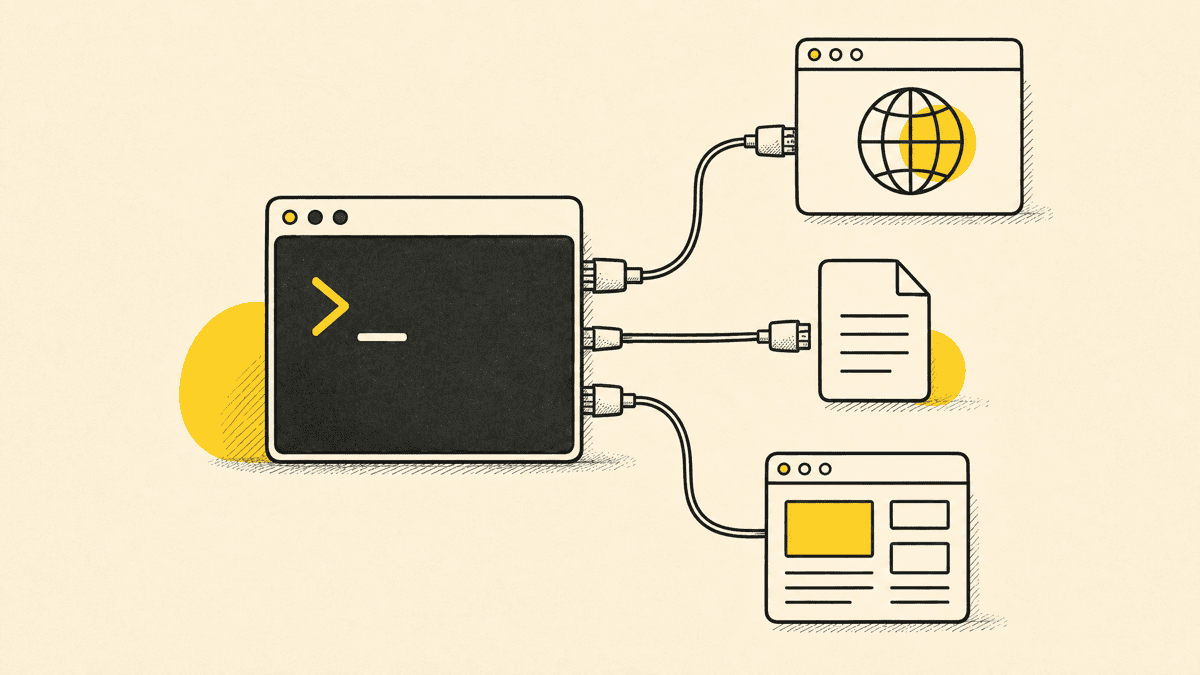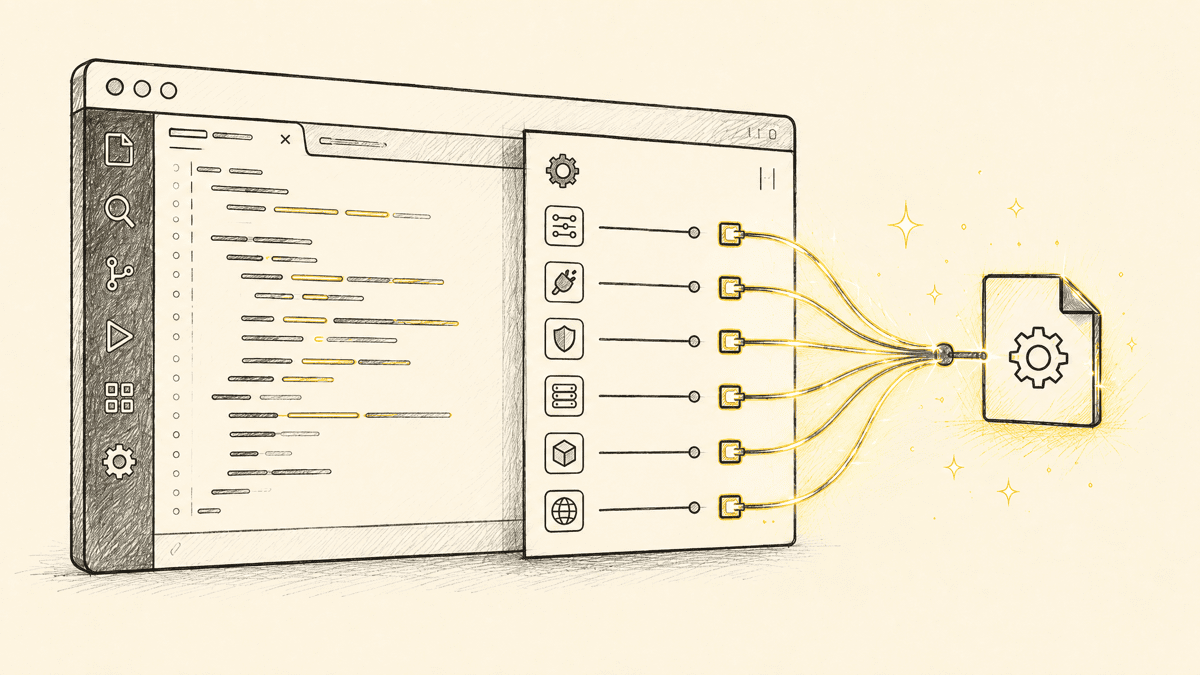
Community directories now list thousands of MCP servers, and the honest answer to "what are the best MCP servers" is that most of them you'll never touch. The practical universe is much smaller: a handful of servers that work reliably across Claude Code, Cursor, and Codex CLI alike, plus a longer tail of vendor-maintained servers worth adding only if you actually use that specific product. This roundup covers both, organized by the job you're hiring a server to do, last checked July 2026.
Some quick grounding on how big "thousands" really is. Anthropic introduced the Model Context Protocol in November 2024, and by 2026 every major coding agent — Claude Code, Cursor, ChatGPT/Codex, Windsurf, and Gemini — speaks it natively. The official MCP Registry launched in preview on September 8, 2025 and reached roughly 2,000 server entries within months; broader third-party directories like Glama list over 22,000, but a large share of those are forks, variants, or abandoned. That gap between "listed" and "worth running" is exactly why a curated list still matters. MCP moves fast enough that "best of" lists age quickly, so where a claim here is time-sensitive, it's marked — re-check a given server's own repo before you standardize a team on it months from now.
Anthropic's reference servers
Anthropic maintains a small set of official reference servers, Filesystem, Fetch, Git, Memory, and a few others, that ship as the baseline example of what a well-built MCP server looks like. Several of Claude Code's native capabilities already cover what Filesystem and Git provide out of the box, so you often don't need to add these separately in Claude Code specifically; in agents that don't have that access built in, they're a solid starting point.
The five that work almost everywhere
Across every major agent host, a small set of servers shows up as the practical default, not because they're hyped, but because they cover the jobs almost every coding project needs:
| Server | Job | Why it's on almost every list |
|---|---|---|
| GitHub MCP | Repos, issues, PRs, code search | Nearly every project already lives on GitHub; this is the connective tissue |
| Context7 | Current library documentation | Keeps generated code from targeting an API version that no longer exists |
| Playwright MCP | Browser automation | First-party Microsoft support, structured accessibility snapshots instead of screenshots |
| Filesystem | Sandboxed local file access | The baseline reference server; often redundant if your agent already has native file access |
| Brave Search | Live web search | Gives an agent current information without leaving the session |
By job: what to add and why
Browser control and testing. Playwright MCP is the default for a reason: it drives a real browser and reads structured page state instead of guessing from pixels, which makes it reliable for both navigation and self-verification. The setup is the same claude mcp add pattern covered below for any MCP server, and it works the same way in Cursor and Codex.
Documentation and code context. Context7 solves a specific, recurring failure mode: an agent writing code against an API that's since changed, because its training data predates the library's current version. Pairing it with GitHub MCP for repo-level context covers the bulk of "does the agent actually understand what it's editing" without a heavier custom integration.
Version control and repo operations. GitHub MCP (or a GitLab equivalent, for teams on that platform) lets an agent open PRs, check CI status, and search code across a repo without you relaying that information manually. This is close to essential once an agent is doing more than single-file edits.
Design handoff. A Figma MCP server lets an agent read frame structure and component properties directly from a design file, genuinely useful for teams handing off from a real design rather than a written brief. It's a design-to-code tool specifically, it has nothing to say about how the built result actually renders once it's live.
Visual feedback and client review. This is Shotline's category, and we'll say so plainly since it's our product: none of the servers above tell an agent whether the page it just built actually looks right to a person looking at it. Shotline's MCP server exposes 21 tools, free on every plan, so a client or teammate can drop a pin on the live page and the agent pulls the selector, viewport, and console context to act on it directly, then posts before/after proof back when it's fixed. It complements Playwright MCP rather than competing with it: Playwright drives and inspects the browser programmatically, Shotline captures what a human actually noticed.
Does it matter which agent you're running?
Less than it used to. Claude Code, Cursor, and Codex CLI all speak MCP natively at this point, and a server that works in one generally works in the others with the same config shape, an endpoint URL, a transport type, and either OAuth or a bearer token. (If you're still choosing between them, we break the trade-offs down in Claude Code vs Cursor and Codex CLI vs Claude Code.) The differences that remain are mostly about defaults and scope handling rather than compatibility: Claude Code's .mcp.json supports project, user, and local scopes so a team can check a shared server config into the repo; Cursor exposes MCP settings per-project or globally through its own settings panel; Codex CLI reads servers from its own config file with a similar per-project override pattern. If a server's own docs say "works with any MCP-compatible client," that's usually accurate, the protocol itself is the standardizing layer, so the agent you pick doesn't lock you out of a given server's ecosystem.
Before you add a server: a short security checklist
This isn't hypothetical hand-wringing. A 2026 security review of roughly 7,000 public MCP servers found that 41% required no authentication at all, 53% of the authenticated ones relied on static API keys, only 8.5% used OAuth, and more than a third (36.7%) were vulnerable to server-side request forgery. MCP servers can read and sometimes act on real systems, a repo, a database, a live site, so it's worth a quick check before wiring one into an agent that will run largely unsupervised:
- Who maintains it, and how recently was it updated? A server last touched a year ago in a fast-moving protocol is a real risk, not just a staleness concern.
- What does it actually have access to? A filesystem or database server scoped to everything on disk is a much bigger blast radius than one scoped to a single directory or read-only queries. Scope down wherever the server supports it.
- Does it use OAuth where available, rather than a long-lived bearer token you have to remember to rotate? Most well-built hosted servers support it now, and it's the safer default.
- Is it open-source, or can you at least read what it does? For anything with write access to a real system, being able to audit the tool definitions it exposes is worth the extra ten minutes.
None of this is unique to MCP, it's the same diligence you'd apply to any third-party integration with API access, but it's easy to skip when adding a server takes one command and thirty seconds.

Picking a starting stack
Most teams don't need more than four or five servers running at once. A reasonable default for a web-building workflow: GitHub MCP for repo operations, Context7 for doc accuracy, Playwright MCP once you want automated visual verification, and a feedback server (Shotline or an alternative) once real people, not just the agent, are reviewing the result. Add anything more specific, a database server, a project-management server, only when you have an actual recurring task it would remove from your plate, not because the server exists.
For a narrower, Claude-Code-specific version of this list with setup notes, see the best MCP servers for Claude Code, and if you haven't added a server before, how to add MCP servers to Claude Code walks through .mcp.json, scopes, and a working example end to end (the same claude mcp add pattern applies to any MCP-compatible host, not just Claude Code).
Before you share a link generated by any of this with a client or teammate, it's worth a quick sanity check with the OG preview tool to confirm the page actually renders the way you expect when it's shared, one of those small pre-launch checks that's easy to skip and annoying to fix after the fact.
If the gap in your current setup is the visual-feedback one, Shotline's MCP server connects to Claude Code, Cursor, and Codex the same way, free on every plan, from $19/mo (billed annually; $25 month-to-month), no card required for the 14-day trial.