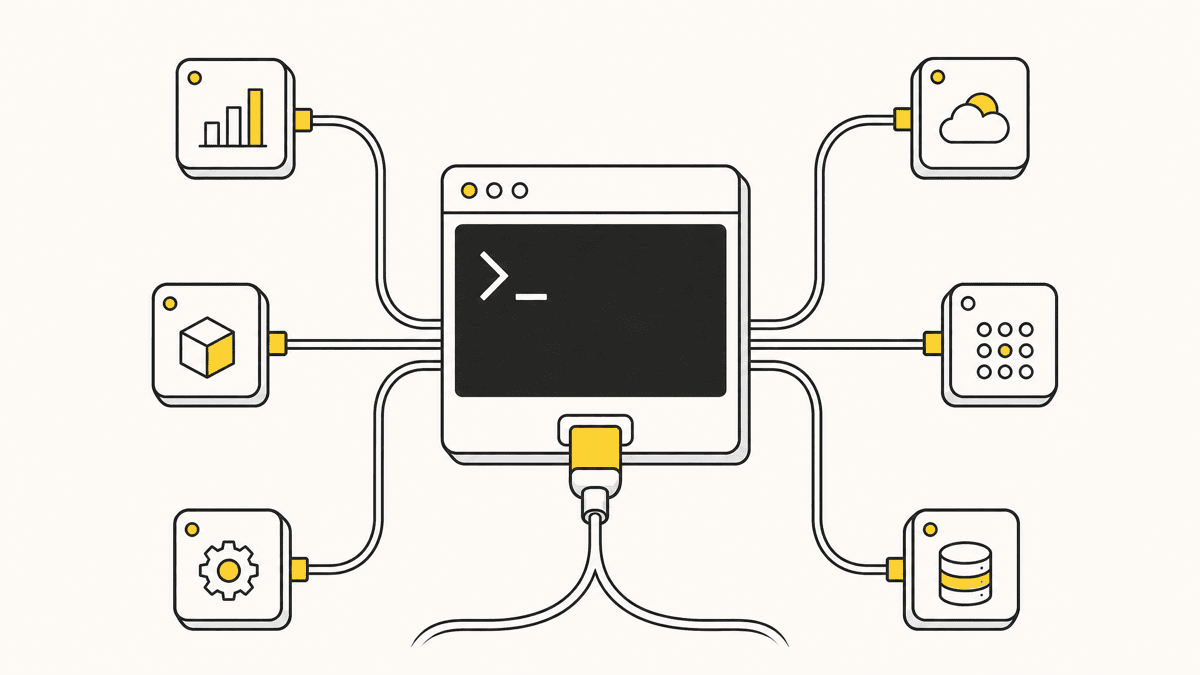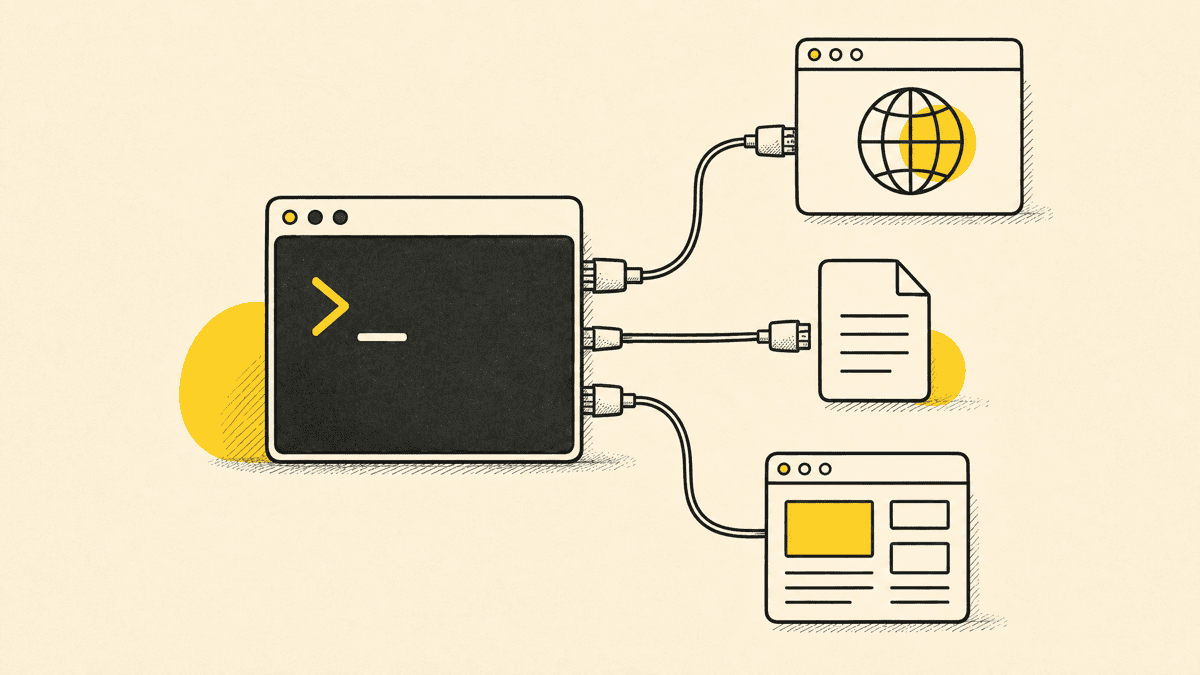
Claude Code ships with file editing and command execution built in, no server required. The best MCP servers for Claude Code are the ones that hand it something it genuinely can't do on its own: control a real browser, look up current library docs instead of guessing from training data, read a Figma file, or see a client's feedback on the page it just shipped. This is a ranked, current list organized by job, not by star count, with honest notes on where each one is the right pick and where it isn't.
What makes an MCP server worth adding
Before the list, three filters we used to cut this down from the thousands of servers now published:
- It does something Claude Code can't do natively. A server that wraps a task the agent already handles fine with its built-in file and shell access isn't adding capability, it's adding a connection to maintain.
- It's actively maintained. MCP moved fast enough in 2025–2026 that a server last updated a year ago is a real risk, protocol details and auth patterns have shifted more than once.
- The output is structured enough for the agent to act on, not just a summarized wall of text.
Browser control: Playwright MCP
Playwright MCP, maintained by Microsoft, gives Claude Code real browser control: navigate, click, fill forms, and read the page back as a structured accessibility snapshot instead of a screenshot. It's the standard pick here for a reason, it's first-party maintained, works headless or headed, and its element targeting is reliable because it's built on Playwright's existing automation engine rather than screen-scraping. If you want Claude Code to drive a browser and verify its own work interactively, this is the server to add first. It complements a visual-feedback server rather than replacing one: Playwright drives and inspects the browser programmatically on the agent's own initiative, while a feedback server like Shotline's captures what a human actually noticed and pins it to the page.
Code and doc context: GitHub MCP and Context7
GitHub MCP connects Claude Code directly to the GitHub API, repositories, issues, pull requests, code search, so the agent can open a PR or check CI status without you copy-pasting a diff into the terminal. It's the single most-installed MCP server tracked across agent hosts as of mid-2026, and for a codebase already living on GitHub it's close to essential.
Context7 solves a narrower but constant problem: large language models are trained on a snapshot of the world and quietly go stale on library APIs that shipped after that cutoff. Context7 fetches current, version-matched documentation for a library on request, so the agent isn't working from a six-month-old mental model of a framework that's since changed its API. It's a small server with an outsized effect on how often Claude Code writes code against an API that no longer exists.
Design: Figma MCP
For teams handing off from a real design file rather than a written spec, a Figma MCP server lets Claude Code read frame structure, styles, and component properties directly, closer to translating an actual design than interpreting a screenshot of one. It's the right tool specifically for design-to-code handoff; it doesn't do anything for reviewing the built result once it's live, which is a different job entirely.
Visual feedback and proof: Shotline
This is where we're not neutral, Shotline is our product, so take the framing accordingly: every server above helps Claude Code build or navigate something. None of them tell the agent whether the result actually looks right once it's rendered for a real person. Shotline's MCP server, 21 tools, free on every plan, exposes exactly that: a client or teammate drops a pin on the live page, and the agent can call list_feedback and get_feedback to pull the CSS selector, viewport, and any console errors captured at that spot, then post_fix_note to close the loop with before/after proof once it's fixed.
It's not a replacement for Playwright MCP, and it isn't trying to be, Playwright drives and inspects the browser programmatically; Shotline captures what a human actually noticed and hands it to the agent in a shape it can act on. Plenty of setups run both: Playwright MCP for automated checks the agent runs itself, Shotline for the feedback a person leaves after looking at the real thing.
| Server | Job | Best for |
|---|---|---|
| Playwright MCP | Browser control | Automated navigation, form-filling, and self-verification |
| GitHub MCP | Repo and PR access | Opening PRs, checking CI, searching code across a repo |
| Context7 | Current library docs | Avoiding stale-API code against fast-moving frameworks |
| Figma MCP | Design file access | Design-to-code handoff from a real design file |
| Shotline | Visual feedback and proof | Turning a pinned comment on the live page into an actionable fix |
Scopes: the detail people skip
Every server in the table above can be added at a different scope, and picking the wrong one is the most common setup mistake we see. Local scope (the default) is personal, tied to you and one project, fine for a server with credentials you don't want teammates inheriting. Project scope writes to a .mcp.json file at the repo root and gets checked into version control, so anyone who pulls the repo gets GitHub MCP or Shotline's server available automatically, no individual setup. User scope is global across every project on your machine, the right call for something like Playwright MCP that you want available regardless of which repo you're in. For a team server, GitHub MCP or a shared feedback queue, project scope turns "everyone configure this themselves" into "pull the repo and it's already there," which is worth the two extra seconds of typing --scope project on the claude mcp add command.

One caveat before you install anything
MCP's growth has outrun its security hygiene. A 2026 review of roughly 7,000 public MCP servers found 41% required no authentication at all, 53% of the authenticated ones leaned on static API keys, and only 8.5% used OAuth — and more than a third were vulnerable to server-side request forgery. That's the backdrop for the "actively maintained, first-party where possible" filter above. A remote MCP server can call tools with whatever access you grant it, so treat adding one like adding a dependency that runs code: prefer official servers (Playwright is Microsoft's, GitHub MCP is GitHub's), read the tool list before connecting, and keep anything holding real credentials at local scope.
A practical starting stack
You don't need all of these on day one. A reasonable starting point for most web projects is Filesystem access (Claude Code has this natively, so no server needed — the standalone Filesystem MCP server has north of 330,000 installs precisely because so many agents want exactly this), GitHub MCP for repo operations, and Context7 for doc lookups, that combination covers the bulk of day-to-day building. Add Playwright MCP once you want the agent verifying its own visual output, and add Shotline once you have a real client or teammate giving you feedback on a live page rather than a local build only you can see. That last one is the visual feedback tool job specifically — the gap none of the build-focused servers cover.
If you haven't wired up a server yet, the mechanics, .mcp.json, scopes, and a worked example, are covered step by step in how to add MCP servers to Claude Code. And if you want the fuller list beyond Claude Code specifically, including servers that shine in other agents, see the best MCP servers in 2026.
This list reflects the MCP ecosystem as of July 2026. New servers ship constantly and a few of the ones on this list have shipped meaningful updates in just the past few months, if you're reading this later in the year, sanity-check anything version-specific against the server's own repo before you standardize on it.
If a server ever hands you a selector you want to double-check by hand before trusting it, the CSS selector tester runs the match in your browser with no setup. And if the gap in your current stack is the visual-feedback one this post spends most of its time on, connecting Shotline to Claude Code takes about two minutes, free on every plan, from $19/mo (billed annually; $25 month-to-month), no card required for the 14-day trial.