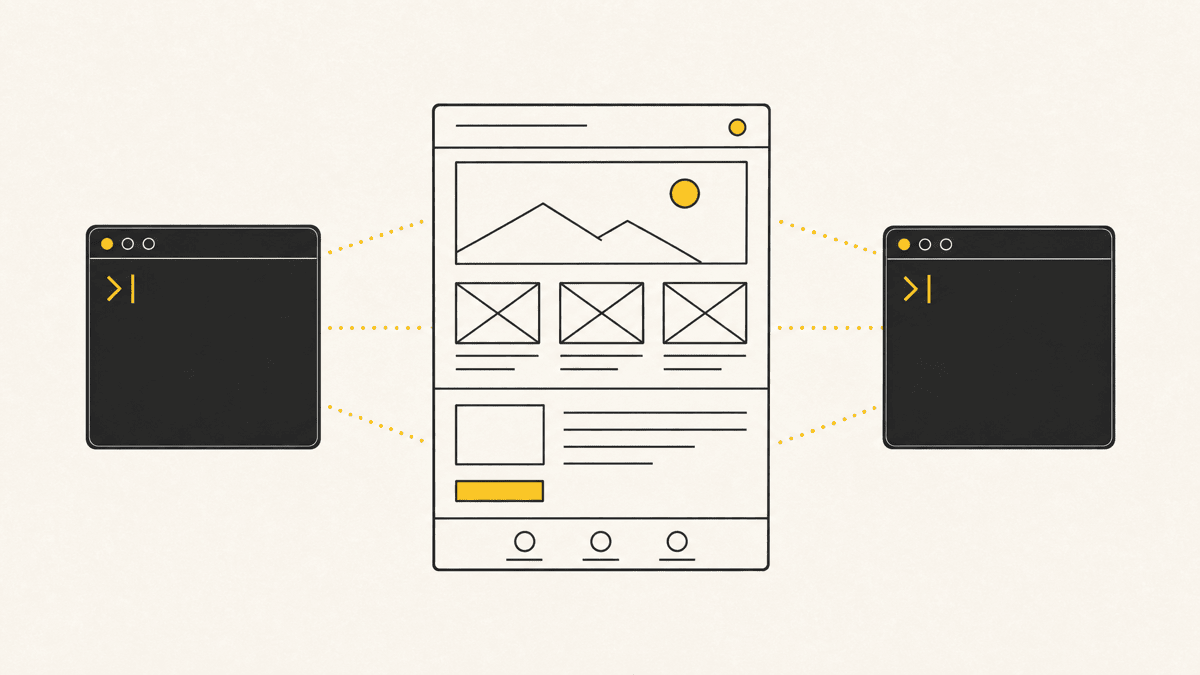
OpenAI's Codex CLI and Anthropic's Claude Code are the two terminal-native coding agents most developers reach for in mid-2026 when they want an AI collaborator that lives in the shell instead of a chat window. Both read a repo, plan a change, edit files, run commands, and check their own work. Both connect to MCP servers. Neither can look at the page it just built and tell you whether it renders correctly.
This is a practical, current-as-of-July-2026 comparison. Both tools ship changes on a near-weekly cadence, so treat the specifics here as a snapshot and verify current pricing and features on each vendor's site before you standardize a team on either.
What each one actually is
Claude Code is Anthropic's terminal agent: install it, run it in a project directory, and describe what you want. It reads files, plans, edits, executes commands, and iterates, all inside your existing terminal and editor setup.
Codex CLI is OpenAI's equivalent: written primarily in Rust, it installs via npm install -g @openai/codex or brew install --cask codex, and runs on macOS, Linux, and Windows through WSL. It works the same way in spirit, chat with the agent, it reads the repo, edits files, runs commands in a configurable sandbox, and validates its own changes. It also supports project instructions through an AGENTS.md file, custom skills, and MCP servers, and by mid-2026 it's available well beyond the CLI: the @openai/codex package has passed 88,000 GitHub stars, the companion VS Code extension has around 9.8 million installs, and there's a web app, an iOS app, and — since June 2026 — availability on Amazon Bedrock. Codex first launched in May 2025 and now runs on the GPT-5 series (GPT-5.5, GPT-5.4, and a GPT-5.4 mini for lighter tasks).
The shapes are close enough that the meaningful differences show up in setup details, sandboxing philosophy, and pricing rather than in what each tool is fundamentally capable of.
Feature comparison
| Codex CLI | Claude Code | |
|---|---|---|
| Vendor | OpenAI | Anthropic |
| Install | npm install -g @openai/codex or Homebrew cask | Native CLI install, npm or curl-based installers |
| Platform support | macOS, Linux, Windows (via WSL); also VS Code extension and web | macOS, Linux, Windows; editor-agnostic terminal usage |
| Sandboxing | Configurable command sandbox for running/executing changes | Permission model with approval prompts for file/command actions |
| Project config | AGENTS.md for repo-level instructions; custom skills in .codex/skills | CLAUDE.md for repo-level instructions; custom skills and slash commands |
| MCP support | Native, configured in ~/.codex/config.toml | Native, added via claude mcp add |
| Underlying models | GPT-5 series (GPT-5.5, GPT-5.4, GPT-5.4 mini) | Claude Opus / Sonnet / Haiku (4.x generation) |
| Pricing | Bundled into ChatGPT: Go ($8/mo), Plus ($20/mo), Pro ($100/mo 5× and $200/mo 20×), Business ($25/user); moved to token-based billing April 2, 2026 | Bundled with Claude: Pro ($20/mo, $17 annual), Max ($100/mo 5×, $200/mo 20×), Team ($25/$125 per seat) |
| API-key usage | Available — skips ChatGPT plan limits, billed at standard OpenAI API token rates | Available — skips Claude plan limits, billed at standard Anthropic API token rates |
Setup, in practice
Getting either tool running takes a few minutes. Codex CLI installs as a single binary via npm or Homebrew, authenticates against your ChatGPT or API account, and is ready to run in a project directory. Claude Code installs similarly and authenticates against your Claude account. Neither requires you to change your editor or workflow; both are designed to sit alongside whatever you already use. If you want the full step-by-step for getting Codex running specifically, see how to install Codex CLI.
Where the two diverge in daily use is the approval model for running commands. Codex CLI leans on an explicit sandbox: you choose a mode (roughly, read-only, auto-edit within the workspace, or full-access) and it runs commands inside that boundary, which is a comfortable default for anyone nervous about letting an agent touch the shell. Claude Code takes a per-action permission approach — it asks before file writes and command execution unless you pre-approve a pattern, and you can widen that allowlist as you build trust. Same goal, different ergonomics: Codex sets the fence once at the start of a session; Claude Code negotiates at each gate. Neither is safer in the abstract; the sandbox is only as tight as the mode you pick, and the permission prompt is only as safe as the patterns you approve.
Model behavior and cost model
The most consequential difference by mid-2026 isn't features, it's how each vendor bills usage. OpenAI moved Codex from per-message pricing to token-based credit pricing in April 2026, aligning it with standard API token costs across the ChatGPT Plus, Pro, and Business plans. That means heavy usage days can burn through your monthly allotment faster than the old flat-message model did, and it's worth watching your usage dashboard rather than assuming a fixed number of "requests" per month. Claude Code's usage similarly counts against Claude's rolling session and weekly limits on paid plans, with heavier Max tiers for teams that outgrow Pro.
Model behavior itself, how each agent plans a multi-file change, how often it asks for clarification versus guessing, how well it self-corrects after a failed command, is genuinely close between the two and shifts with every model update on both sides. Anecdotal preferences (thread on any developer forum, any given week) are noisy enough that we won't pretend a blog post settles it. Run your own team's actual tasks through both before standardizing.
One practical difference worth weighing alongside cost: if your team is already deep in the OpenAI ecosystem, ChatGPT for research and drafting, the API for product features, Codex CLI slots into billing and usage dashboards you already watch. If Claude is your team's default for writing and reasoning tasks, Claude Code keeps that consolidated the same way. Neither consideration should override which tool is actually faster on your real tasks, but it's a legitimate tiebreaker when the two are otherwise close.
MCP ecosystem
Both agents support MCP as a first-class integration point, which is arguably more important than which model is marginally better at a given benchmark. Codex CLI configures servers in ~/.codex/config.toml; Claude Code configures them with a one-line claude mcp add command or a project-level .mcp.json file. If you're specifically setting Claude Code up with a new server, we cover the full walkthrough, config file, scopes, verifying it's live, in how to add MCP servers to Claude Code.
The practical takeaway: whichever agent you pick, you aren't locked out of the growing ecosystem of MCP servers for databases, browsers, design tools, and feedback queues. That portability is a bigger deal than either vendor's marketing suggests.
The blind spot neither one fixes
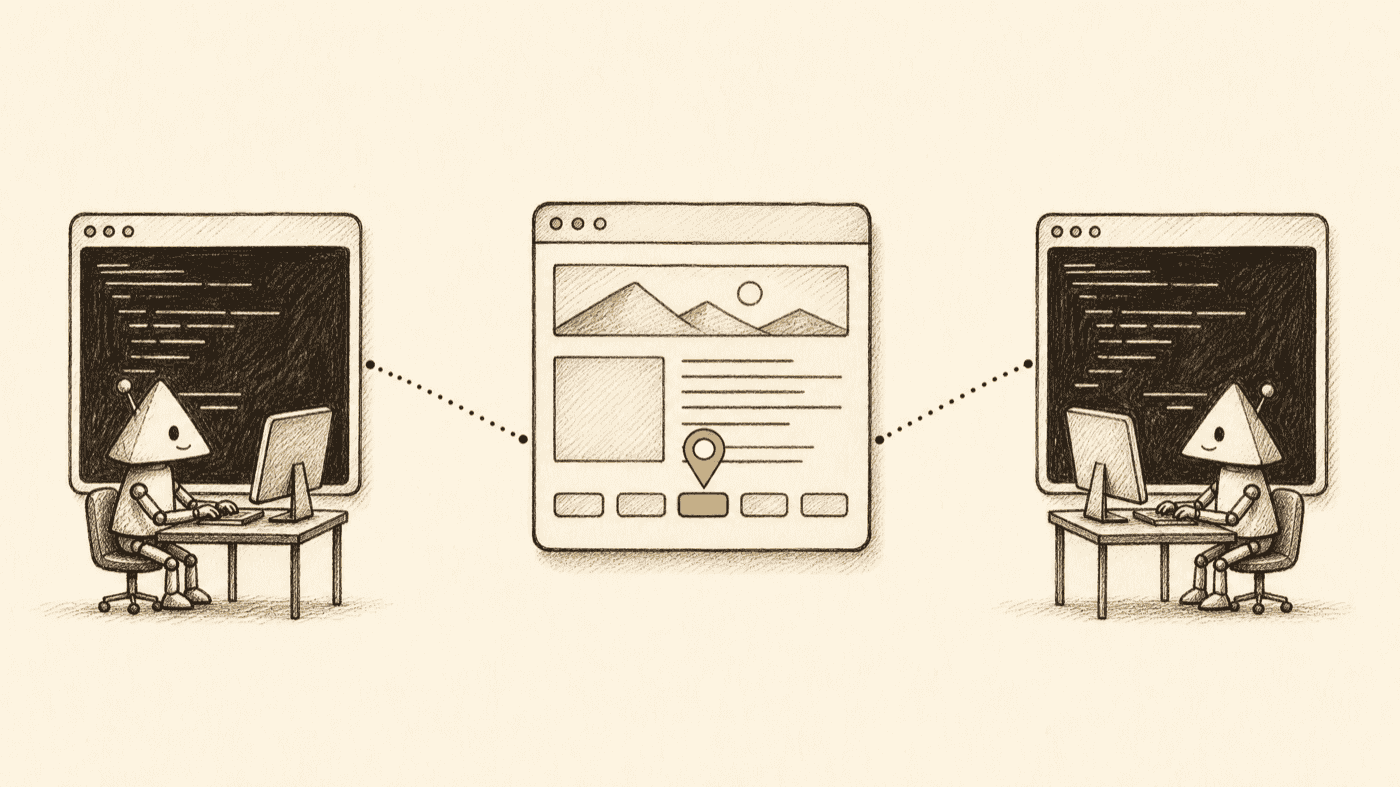
Codex CLI and Claude Code can both run a build, run a test suite, and confirm the code they wrote is syntactically and logically sound. Neither can open the rendered page and notice that a button is two pixels off, that a modal clips on mobile, or that a form submits successfully but gives no visible confirmation to the person filling it out. That's not a criticism unique to either tool, it's true of every terminal-based coding agent, because none of them render a browser by default.
This is the gap a visual-feedback layer closes. Instead of pasting a screenshot into chat and writing a paragraph trying to describe which element is broken, you pin the actual element on the live page. The pin carries the selector, the viewport, and often the console output, which is a set of coordinates an agent can act on directly instead of a picture it has to guess about. Shotline connects to both Codex and Claude Code over MCP the same way, so whichever agent you land on in this comparison, the review step after the coding session works the same.
Which one to pick
If your team already pays for ChatGPT Plus or Pro, Codex CLI effectively comes bundled with a subscription you're likely already paying for, and its sandboxed execution model is a reasonable default for teams cautious about letting an agent run commands unsupervised. If your team is on Claude, or you specifically want the terminal-native workflow Anthropic has iterated on longest, Claude Code is the natural choice. Neither is a wrong answer, and plenty of developers keep both installed and reach for whichever is authenticated in a given terminal session that day.
For the third major option in this space, see our Claude Code vs Cursor comparison, and for the bigger picture on what "vibe coding" with any of these tools actually means, start with what is vibe coding. And if either agent hands you a selector you're not sure is right, the CSS selector tester lets you check it against real markup before you trust the diff.
If you want to try wiring Codex up to a visual-feedback loop yourself, connect Shotline to Codex takes about two minutes, no card required for the 14-day trial, then from $19/mo (billed annually; $25 month-to-month) with unlimited seats.