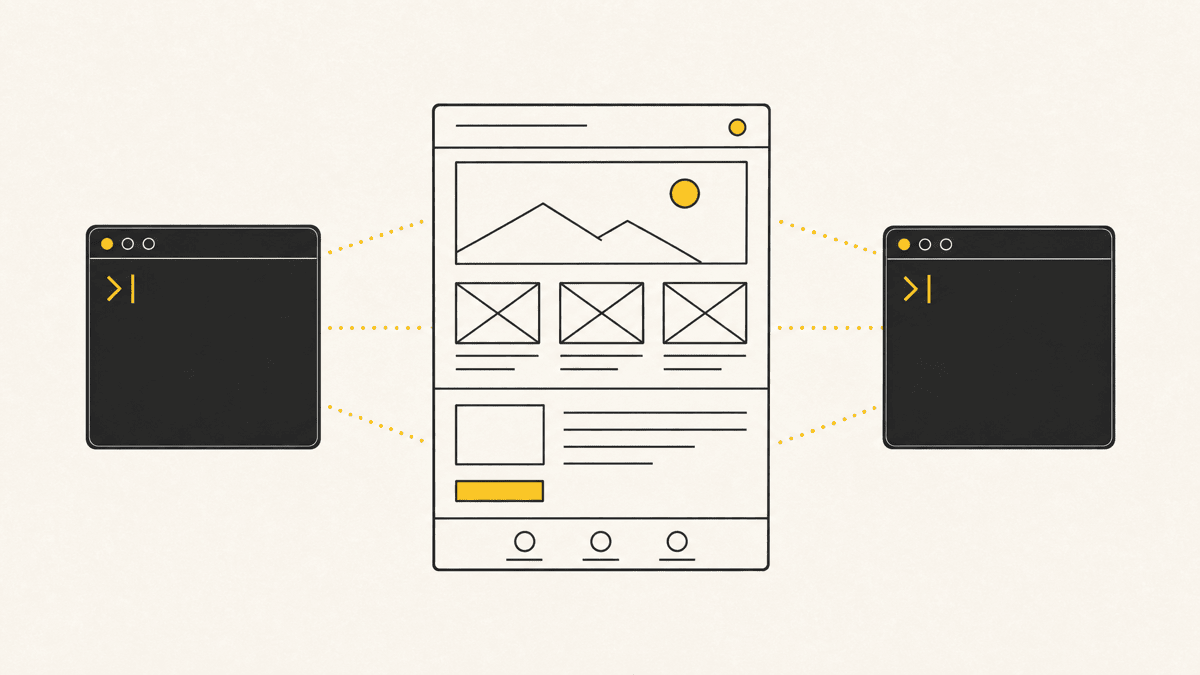
Every AI website builder makes roughly the same pitch: describe what you want, get a working site back in minutes. That part is true, and it's genuinely useful, describing a site in a sentence and getting a real, hosted, clickable version back has compressed a task that used to take days into one that takes an afternoon. What's less advertised is that "generated" and "ready to publish" are different claims, and every builder in this comparison is good at the first one and leaves the second entirely to you.
What "AI website builder" actually covers
The category spans two genuinely different tools, and mixing them up is where most comparisons go wrong:
- Template-plus-AI builders (Wix ADI, Hostinger AI, Durable) take a business description and assemble a site from an existing template library, filling in copy, choosing images, and picking a layout. Fast, but the ceiling is the template system underneath.
- Generative, code-producing builders (Framer AI, Lovable, v0, Bolt, Replit Agent) generate the actual layout and, in several cases, the underlying code from your description, rather than filling in a fixed template. More flexible, more variance in output quality per prompt.
Both are legitimate for different jobs. A template-plus-AI builder is the faster path to a small-business site that needs to exist and look professional. A generative builder is closer to what most people mean when they say "vibe coding" a site, described in what is vibe coding, and it's the category this post leans toward, since it's the sharper match for anyone already comfortable directing an AI agent.

The builders, compared
| Builder | Type | What stands out (2026) | Entry pricing (Aug 2026 snapshot) |
|---|---|---|---|
| Framer AI | Generative, design-first | Marketing sites and landing pages where visual polish leads; AI Agents and localization now run on a per-plan credit pool | Free for a single site; Basic ~$10/mo, Pro ~$30/mo |
| Lovable | Generative, full-stack | Generates a React + Tailwind app on Supabase — auth, database, Stripe payments, and file storage from one prompt; connects to Claude over MCP | Free tier (5 daily credits); Pro ~$25/mo (~100 monthly credits) |
| v0 (Vercel) | Generative, component-first | Production-grade React with shadcn/ui and Tailwind; you pick a Mini, Pro, or Max model per request and it meters by token | Free (~$5 in credits/mo); Premium ~$20/mo |
| Bolt | Generative, full-stack | Framework flexibility (React, Vue, Svelte, Astro) plus mobile via Expo, which the others mostly lack; billed from a token pool | Free (1M tokens/mo); Pro ~$25/mo (10M tokens) |
| Replit Agent | Generative, full-stack + hosting | Agent 3 (Sept 2025) can run real-browser tests on what it just built and self-correct; hosting and database live in the same place | Subscription plus "effort-based" checkpoints (simple change under ~$0.25) |
| Wix ADI / Wix Studio AI | Template-plus-AI | A small-business site that needs to be live today, with a large template library behind it | Free tier with Wix branding; paid plans from roughly $17/mo |
| Durable | Template-plus-AI | The fastest possible "get something live" for a service business — a full site from a single prompt in under a minute | Paid plans from roughly $12/mo, no free published tier |
Pricing across this category shifts often, and over the past year most of these vendors moved off flat monthly seats onto credit-, token-, or effort-based billing, which makes headline numbers misleading. Treat everything above as an August 2026 snapshot and check each vendor's own pricing page before budgeting, not this table months from now.
What each type is actually good at
Template-plus-AI builders win on speed-to-live and reliability. Because the output is built from a proven template rather than generated fresh, you're less likely to end up with a broken layout or a visually inconsistent page. The tradeoff is a ceiling: customization beyond what the template system anticipates gets awkward fast, and a lot of sites in this category end up visually similar to each other, since they're drawing from the same underlying component library.
Generative builders win on flexibility and, for the code-producing ones like v0 and Bolt, on giving you something you can actually take elsewhere. The tradeoff is variance: the same prompt run twice can produce meaningfully different layouts, and a generated result that looks correct in the builder's own preview doesn't always hold up once you check it against a real device or a slower connection. That variance is exactly the pattern covered in the best vibe coding tools roundup, where the app-builder layer is one of three pieces a working stack needs, alongside the coding agent and, critically, a review pass.
Reading the pricing, honestly
The headline prices above hide the part that actually determines your monthly bill, because almost none of these tools charge a flat rate for unlimited use anymore. Four of the five generative builders meter usage, and each does it differently:
- Lovable bills in credits, not messages: a small edit costs roughly half a credit, while a feature that touches auth or the database costs more than double that. Pro's ~100 monthly credits go fast on a real build. And the sticker price isn't the true cost — once you have live users, you're also paying for Supabase Pro (~$25/mo) on top, so a working SaaS realistically lands closer to $65–75/mo than the $25 headline.
- v0 converts input and output tokens into credits and lets you choose a Mini, Pro, or Max model per request, so a chatty session on the Max model drains the pool far faster than the plan price suggests.
- Bolt gives you a fixed token pool — 1M free, 10M on Pro — and Teams tokens aren't shared across members, so a five-person team is really buying five separate pools.
- Replit Agent uses "effort-based" checkpoints: a simple change lands under ~$0.25, but a complex feature request can bundle into a single checkpoint costing $5 or more, which makes a big session hard to predict in advance.
The practical read: budget for how much you'll actually prompt, not the entry price. A builder that looks cheapest at the plan level can be the most expensive once a real project's worth of iterations runs through it, and the tool that finishes the job — often a dedicated coding agent, compared in the best AI coding agents — may be where the rest of your spend lands anyway.
The step every builder leaves to you
Here's what's consistent across every product in the table above, regardless of type or price: none of them tell you whether the result actually works for a real visitor on a real device. The builder's own preview confirms the page renders in its own environment. It doesn't confirm the hero image loads fast enough on a mobile connection (a genuinely common failure — an uncompressed hero is one of the first things worth running through an image compressor), that a form actually submits and shows confirmation, that text doesn't overflow its container at a width the builder's preview didn't happen to show you, or that a button someone expects to be clickable actually is.
This is the same gap covered from the coding-agent side in stop screenshotting your site into Claude: a tool that generated the page, whether that's an AI agent writing code or a builder assembling one from a template, ran its own internal check and reported success. That check is never the same claim as "a stranger opened this on their phone and it worked." The gap between those two claims is where most of the "it looked fine when I built it" surprises in this category come from.

The honest limitations, across the board
No builder in this comparison is finished when it says it is, and the gaps cluster into four predictable places:
- Output variance. Generative builders don't produce the same thing twice. A layout that looked balanced this morning can come back lopsided after one more prompt, so every meaningful change needs a fresh look, not a trusted rebuild.
- The backend is the hard part. Marketing pages generate cleanly; auth, permissions, payments, and data that has to stay consistent are where generated apps quietly break. Lovable, Bolt, and Replit Agent all reach for a real backend, and all of them can produce something that looks wired up but isn't.
- Lock-in varies wildly. v0 and Bolt hand you clean, exportable code you can take into your own editor. A hosted template builder often gives you a site you can only really edit inside its platform, which matters the day you outgrow it.
- Nobody checks the rendered result for you. This is the one that spans every tool, template and generative alike, and it's the reason the review step below isn't optional.
A practical way to pick, and then review it
If you're not technical and need a working product with real backend logic (accounts, a database, payments), Lovable or Bolt fit better than a template builder, since the underlying app actually needs code, not just a styled page. Replit Agent is worth a look in the same bracket if you want the hosting and database to live in one place and value its ability to run its own browser tests. If you need a marketing or portfolio site and visual polish is the priority, Framer AI or Wix are the faster, lower-risk path. If you're a developer who wants a strong starting point you'll finish by hand, v0's exported shadcn/ui components are the better fit than a fully hosted, locked-in platform.
Whichever you pick, the review step isn't optional, it's the part the builder's own success message never covers. Before publishing anything generated this way, check it at actual mobile and tablet widths, not just the builder's desktop preview, confirm every form and interactive element actually does what it looks like it does, and have at least one other person click through it on their own device before it goes live to real visitors. The website QA checklist is a reasonable starting list for that pass if you don't already have one.
Where Shotline fits
Whichever builder generated the site, the review pass that catches what it can't see itself looks the same: pin feedback directly to the live, rendered page rather than describing an issue in a separate message. Shotline captures the element, the viewport, and the console output at the moment someone flags something, so if a generated layout breaks at a specific width or a button doesn't actually fire, the report carries enough to act on immediately, whether the person fixing it is a developer or the same AI agent that generated the page in the first place.
Shotline is free to try for 14 days, no card required, then from $19/mo (billed annually; $25 month-to-month). See it on the Shotline homepage, or connect it over MCP to whichever agent or builder workflow you're already running.